Energy Updates
11 November 2016
How to get the most from your Climote heating control this winter
This product is not on sale right now.
Adjust your schedule for winter
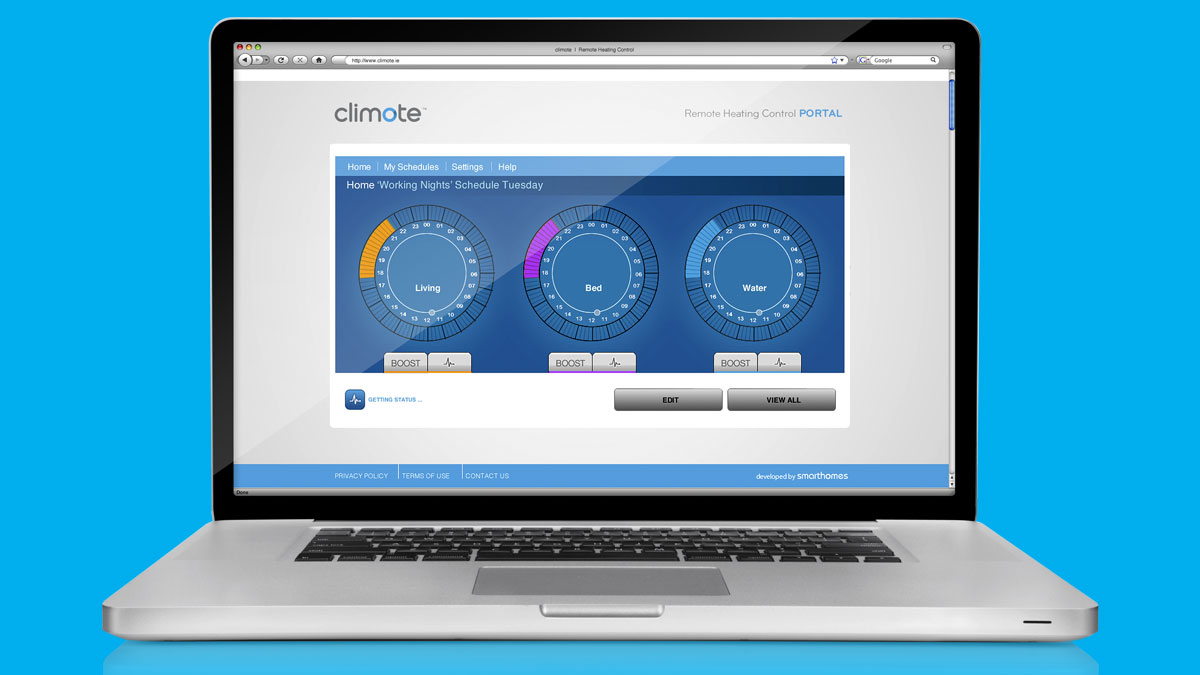
To keep you warmer during these colder months, you can set your winter heating schedule (including precise on/off times for all 7 days) by using the climote™ mobile app or via the climote™ hub.
By using the ‘copy’ button to replicate your daily schedule across weekdays, weekends or over the whole week, this can be as simple as you want it to be.
Alternatively, you could try setting a schedule for morning time, and manage your heating remotely for the remainder of the day.
Always return back to a warm home
Wherever you are, climote’s™ boost function allows you to turn your heating on immediately via its app, or on the climote™ hub itself. Select the ‘boost’ button for the desired heating zone or water, then choose how long you’d like to boost your heating for (up to 6 hours each time). Once the boosting period has elapsed, your climote™ will return to its active heating schedule.
Communicate via SMS
Did you know that you can command your climote™ by SMS messaging? E.g. texting “boost water 1” will boost your hot water for one hour. For a full list of text commands, click here.
Heading off on a winter break?
Lucky you! By using climote’s™ ‘holiday mode’ function, you’ll be able to put all programmed heating schedules on hold for a set number of days (up to 45) until you return back to your once again lovely warm home.